MyGenius OBD Tool
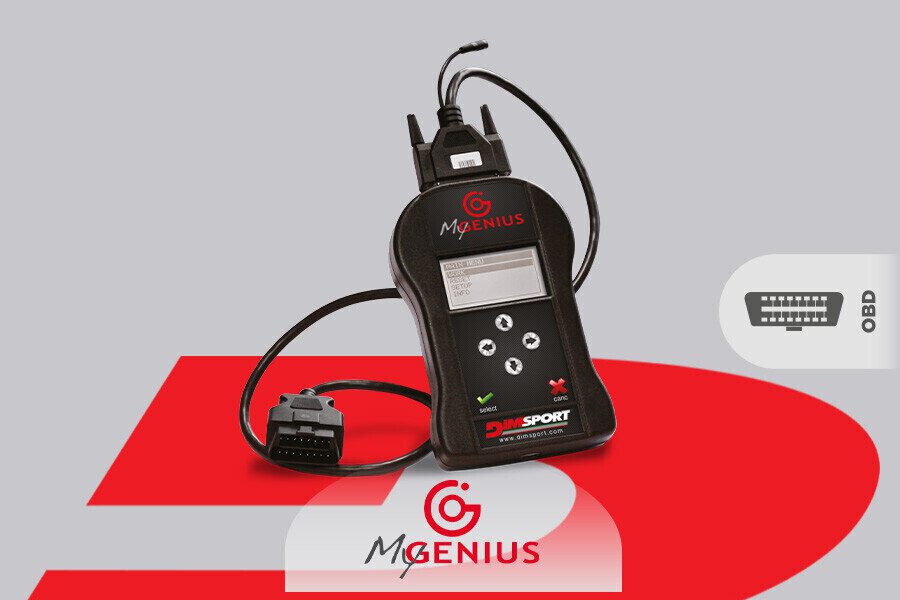
MyGenius is a personal version of Dimsport’s New Genius professional OBD programming tool, tied to a single specific vehicle. It’s a device which gives vehicle owners full OBD programming capabilities, just like if you were to invest in professional tuning equipment.
When you order, choose your car type and the remap you'd like from the drop down menus. If it's not listed then just get in touch.
The remap is NOT pre loaded on the device, you must connect to the vehicle and read out the software using MyGenius. You then send the file to us via email.
When you order the remap with the tool, you are simply pre-paying for the software.
We always make the software custom to the ECU software that you read out from your vehicle.
How does it work?
- When you receive your MyGenius programming tool, the first step is to install the Dimsport software and then update the device, this ensures it has the most up to date protocols. see tinyurl.com/mygsetup
- Connect a battery charger or battery stabiliser to your vehicle, we want to ensure voltage does not drop during programming, on some vehicles programming can take a long time (usually it’s very fast, but we like to play things as safe as possible). Make sure headlights are off, Sub woofers disconnected at the main fuse, anything that draws lots of power should be disconnected when flashing.
- Next you can connect to the OBD port of your vehicle, follow the instructions on the MyGenius tool.
- Next you can identify, and take a read of your original ECU software.
- Connect your MyGenius device to your computer and upload the original read (or ID) to HDI Tuning.
- Place an order through our webshop for the online remap service. If you want multiple versions please discuss and we can do a multi buy deal. For example, DPF, EGR, AdBlue delete (off road use only).
- Upload the remapped file back to MyGenius.
- Connect battery support to vehicle.
- Connect MyGenius to OBD port and then follow instructions to program remap.